Understanding Why Your Stream is Constantly Buffering
There is nothing more frustrating than sitting down to watch a highly anticipated game or a cinematic premiere, only to be interrupted by a perpetually spinning loading wheel. To effectively stop these interruptions, you must first understand why the delay is occurring. Buffering happens when your media player downloads data slower than it is playing it back, forcing the video to pause while it waits for more packets to arrive. While most users immediately blame their provider, the reality is that the data delivery chain is complex. A bottleneck can occur anywhere from the provider's broadcast data center, along the massive undersea internet cables, to your local Internet Service Provider (ISP), or right inside your own living room.
Pinpointing the exact cause requires basic troubleshooting. The first step is testing your internet speed directly from the hardware you use to watch TV. If your speed is high but the stream stutters, the issue might be network latency or hardware limitations. Alternatively, if your entire network slows down during peak evening hours, your ISP might be struggling with neighborhood bandwidth congestion. Premium platforms like Krooz TV invest heavily in routing technology to mitigate these external issues, but ensuring your local setup is completely optimized is the only way to guarantee a flawless, cinematic viewing experience at home.
The Difference Between Provider Server Lag and Local Network Issues
It is vital to distinguish between a service-side failure and a local home network problem. If you notice that only one specific channel is stuttering while others play perfectly, you are likely experiencing server lag originating from the provider's end. However, if every single channel freezes, or if other applications like YouTube and Netflix also struggle to load on the same screen, the bottleneck is unquestionably within your local network. Identifying this distinction prevents you from wasting time adjusting router settings when the issue actually lies with a faulty broadcast source.

Essential Hardware Upgrades for Buffer-Free Viewing
While upgrading your internet plan is a common reaction to stuttering video, replacing your physical playback hardware often yields far more dramatic results. Many users attempt to decode massive, uncompressed 4K video feeds using the outdated, built-in operating systems of older smart TVs. These built-in processors simply lack the computational power necessary to handle high-bitrate data smoothly. When the processor overheats or maxes out its limited RAM, the video player drops frames or freezes entirely to catch up. The most immediate solution is completely bypassing your television's internal software and relying on a dedicated, external device designed exclusively for heavy media decoding.
When selecting new hardware, you must prioritize devices with robust CPUs and ample memory. If you are unsure where to start, reviewing a comprehensive hardware guide for the best IPTV devices will help you compare top-tier options like the Nvidia Shield TV Pro and the Apple TV 4K. These premium devices not only decode ultra-high-definition video effortlessly but also offer vastly superior user interfaces and significantly stronger network receivers. By offloading the heavy processing work to a capable external unit, you immediately eliminate hardware-based thermal throttling and memory bottlenecks from your entertainment setup.
Why Processing Power in Your Streaming Device Matters
Decoding a live broadcast requires continuous, intensive computational effort. Unlike on-demand platforms that can silently preload minutes of video into a buffer before you even hit play, live television operates in real-time. If your hardware takes too long to decrypt and render a single frame of a fast-paced basketball game, you will instantly notice visual stuttering. Upgrading to a modern, high-performance streaming stick ensures that the processor can handle the incoming data packets faster than they arrive, guaranteeing a buttery-smooth 60 frames per second display.
The Undeniable Power of Hardwired Ethernet Over Wi-Fi
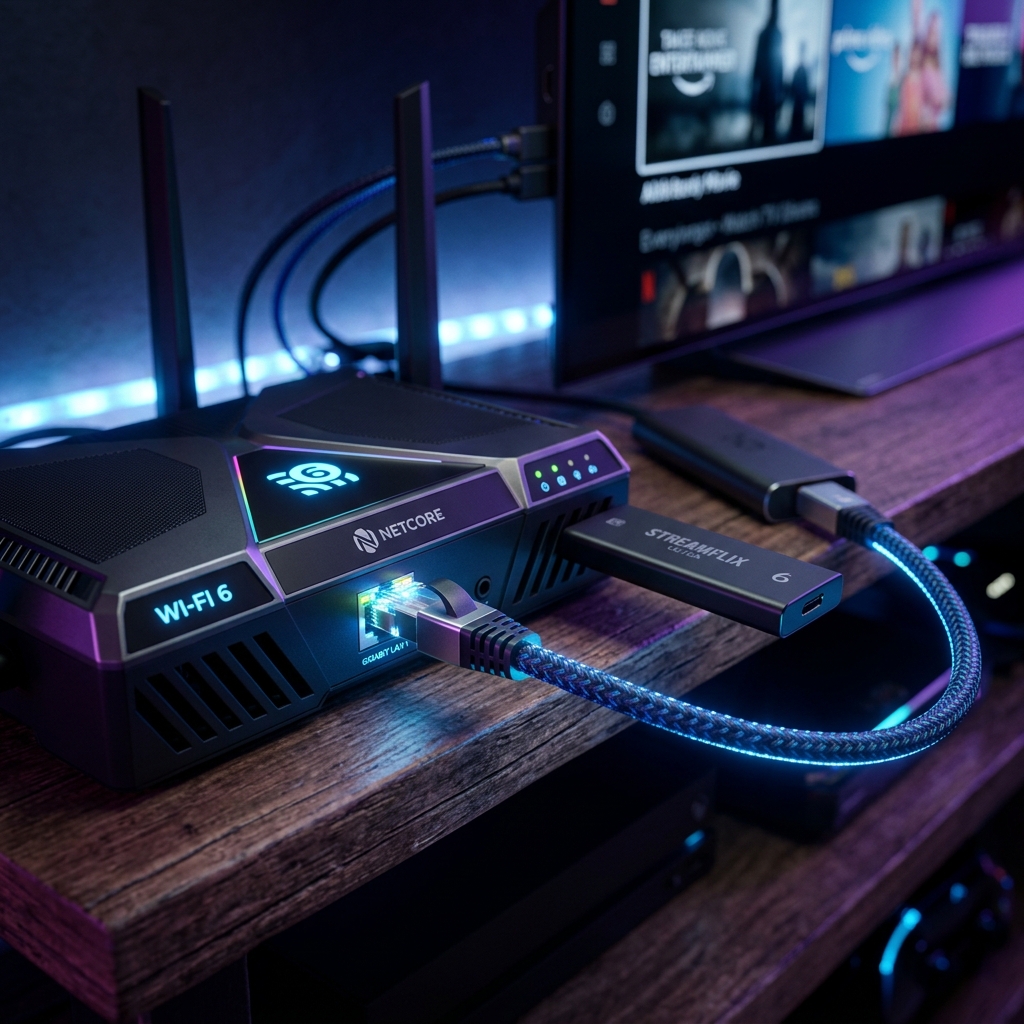
Wireless internet is incredibly convenient, but it is notoriously unstable for continuous, high-bandwidth data transfers. Wi-Fi signals are highly susceptible to sudden interference from thick walls, neighboring networks, and even common household appliances like microwaves. The absolute most effective way to eliminate network drops is to completely abandon Wi-Fi and run a direct, hardwired Ethernet cable from your router straight to your device. This direct physical link guarantees zero packet loss and provides the absolute lowest possible latency.
How to Optimize Your Home Internet Connection for 4K Media
Even with top-tier decoding hardware, a poorly configured local network will inevitably cause performance issues. To properly optimize your internet for 4K streaming, you need to ensure your local network prioritizes media traffic over background tasks. Begin by logging into your router's administrative dashboard and locating the Quality of Service (QoS) settings. By enabling QoS and prioritizing your specific viewing device's MAC address, you instruct your router to always give maximum bandwidth to your television, even if someone else in the house starts a massive file download. This simple configuration change prevents sudden bandwidth starvation during crucial cinematic moments.
Additionally, keeping your networking equipment up to date is crucial. If you are still renting an outdated, heavily used combo modem-router from your telecom company, you are likely suffering from poor routing efficiency. Investing in a modern Wi-Fi 6 mesh network or a dedicated high-performance gaming router will drastically increase the data throughput capabilities of your entire home. Finally, regularly rebooting your router clears its short-term memory cache, resolving subtle background routing errors that accumulate over time and silently degrade your overall internet speed.
Adjusting Router Settings and Utilizing Custom DNS Servers
The Domain Name System (DNS) acts as the phonebook of the internet, translating domain names into IP addresses. Most ISPs provide default DNS servers that are notoriously slow and occasionally prone to outages. By changing your router's DNS settings to utilize faster, public alternatives like Google DNS (8.8.8.8) or Cloudflare (1.1.1.1), you can noticeably decrease the time it takes for your media player to initially connect to the broadcast servers, leading to significantly faster channel zapping times.
Dealing with ISP Throttling and Intentional Speed Drops
If your internet speed tests show blazing fast numbers during the morning, but your live sports matches constantly buffer during prime time on Sunday evenings, you are likely a victim of ISP throttling. Many telecom companies actively monitor your traffic and intentionally slow down high-bandwidth activities, particularly video streaming, to conserve data on their overloaded neighborhood nodes. They can easily identify exactly what type of media you are consuming and aggressively choke the connection speed to that specific server, resulting in an unwatchable, pixelated mess.
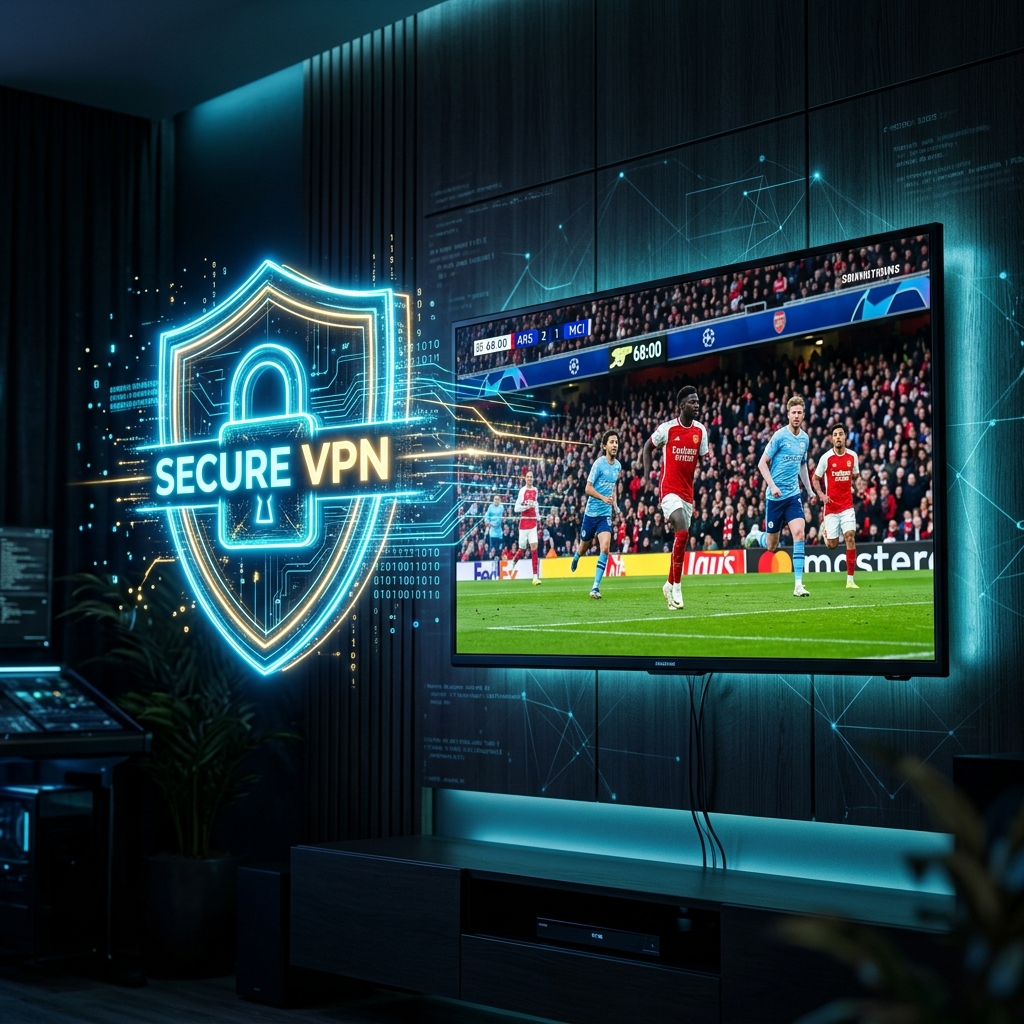
The only viable workaround for intentional ISP throttling is complete data encryption. By routing your internet traffic through an encrypted tunnel, your telecom provider can no longer see what type of data you are downloading or which servers you are connecting to. Because they cannot categorize your traffic as video media, their automated throttling algorithms are completely bypassed, allowing you to utilize the full, unrestricted bandwidth you actually pay for. This encryption is also highly recommended if you value your digital privacy and wish to keep your viewing habits completely anonymous.
When to Use a Virtual Private Network for Unrestricted Speeds
Understanding exactly when you need a VPN for IPTV is critical for maintaining peak speeds. If you experience buffering only during major broadcast events or exclusively between 7 PM and 11 PM, a Virtual Private Network is the definitive solution. By connecting to a secure VPN server geographically close to your location, you hide your activity from your ISP while maintaining low latency, instantly restoring your stream to its highest possible resolution.
Upgrading to a Premium Provider
At a certain point, no amount of home network optimization or hardware upgrading can fix a fundamentally broken broadcast source. If you have hardwired your device, optimized your router, and utilized a VPN, yet the video continues to stutter, it is time to admit that your current provider's infrastructure is simply inadequate. Low-tier providers run their operations on incredibly cheap, overloaded servers with zero redundancy. When too many users log on simultaneously, these servers buckle under the pressure, causing widespread outages and unwatchable frame rates for everyone connected.
Transitioning to a truly professional platform fundamentally resolves these backend issues. Premium providers invest immense capital into load-balancing technology and global Content Delivery Networks (CDNs). This means they do not rely on a single, centralized server farm; instead, they automatically route your connection to the fastest, least congested server closest to your physical location. This sophisticated infrastructure guarantees that even during the most watched events of the year, your connection remains stable, high-definition, and completely uninterrupted. To see this difference firsthand, you can explore the premium pricing options available.
The Impact of Anti-Freeze Technology and Global Content Delivery Networks
Modern anti-freeze technology works by dynamically adjusting the bitrate of the video feed based on real-time network conditions. If a sudden, unavoidable latency spike occurs between your home and the data center, a premium server will instantly drop the resolution slightly to keep the video playing smoothly, rather than freezing the picture entirely. Once the network stabilizes, it seamlessly ramps back up to gorgeous 4K quality, ensuring you never miss a critical moment of the action.
Exploring Cost-Effective, High-Speed Subscription Tiers
Investing in a high-quality streaming service is ultimately an investment in your daily peace of mind. While ultra-cheap alternatives exist, the constant frustration of buffering completely ruins the viewing experience. By selecting a highly reputable platform, you secure access to a rock-solid infrastructure specifically designed for flawless 4K delivery. Exploring the various subscription lengths allows you to find a high-speed tier that perfectly balances exceptional performance with long-term financial savings.
Experience Buffer-Free Entertainment
Ready to eliminate buffering for good? Upgrade to a premium infrastructure designed for flawless 4K sports and VOD streaming.
Get Started Today